
Kadugodi
MacBook Repair Center in Kadugodi, Bangalore
Repairing a MacBook is a skillful task that requires certain tools of trade, which may vary based on the type of repair you want to execute on your device. However, there are some tools that would be required, regardless of the purpose. Let’s take a look at the same:-
- Pro Tech Toolkit
- Adhesive Cleanup Kit
- Suction Handle
- Tweezers
- Microfiber Cleaning Clothes
- Phillips #000 Screwdrivers
- T6 Torx Screwdriver Spudger
- Nitrile Gloves 100 Box
- Mako Driver Kit
With the aforementioned list of tools, you’ll be ready to take on some basic repair and maintenance tasks on your MacBook. However, keep in mind that if you aren’t sure of what you’re doing, it’s better to seek a professional to deal with it instead.
Nearby localities
Repairing MacBook Hardware – When to Go for A Professional
Hardware-related problems in MacBook are often complex in nature, which is why it’s always a wise decision to have your hardware problems managed by a professional only to avoid any mishap. Most of the hardware damages are often linked with physical damage in some way or other.
For example, if you mishandled your device, accidentally threw it, or have a deep software-level issue that made the associated hardware useless, then you may start having hardware problems. A few common issues we’ve seen people having are screen breakage, water damage, and more.
We have dedicated experts who deal with these issues using their years of expertise and knowledge. If you ever need a MacBook service and repair center in Kadugodi for hardware issues, make sure you get in touch with us.
Repairing MacBook Software – Common Issues and Troubleshooting Tips
While MacBooks have always been touted for their exceptional user experience, there are still many instances where you may encounter some software-related issues due to one reason or another. Here’s an extensive list of such issues and their solutions:
1. Device Stuck on Apple Logo
During booting, your device may get stuck on the Apple logo, which means its present booting cycle has been tampered with. Now this can happen due to a variety of reasons such as a corrupt startup disk, a compromised bootloader, and more. You can try forcefully restarting it or perform an internet recovery.
2. Startup Disk Full on Mac
The startup disk contains the macOS system files and content related to your firmware. If it accumulates too much space, then your system may start slowing down, which is usually because of unwanted junk, temporary files, or duplicate content. You can delete unwanted files, uninstall some apps, or wipe the entire disk or partition to solve it.
3. Kernel Panic
Kernel Panic is a highly serious software issue with Mac as it tampers with the entire processing of the system and doesn’t allow you to boot in normal mode. It can be caused due to various reasons such as overburnt OS, too many processes, or issues with the RAM chip. You should start by checking for hardware damage, and then check kernel logs for troubleshooting.
4. Safari Not Working
Being the default web browser on Mac, Safari provides a very seamless browsing experience, but it may malfunction or lag at times due to faulty plugins, lack of space, corrupted software, or outdated versions. You can fix it by trying relaunching the application or removing any plugins causing issues.
Maintenance Tips for MacBooks to Keep in Mind
Macs are surely great machines, but they do require periodic maintenance to continue performing at their best. These macOS maintenance tips will help you keep your system operating at its peak efficiency:
1. Manage Your Storage
A full storage drive will slow down your computer greatly, but luckily, macOS offers a storage management app that can help you free up your hard drive space. You can launch it through Spotlight and choose any of the four recommendations available there.
2. Keep Your System Updated
Keeping your system updated helps you keep it running smoothly, and Apple makes it a lot easier for you to do so. Inside System Preferences, you can find the software update option that’ll help you keep your system up-to-date.
3. Reboot Periodically
Due to temp files and cache buildup, your device may tend to slow down between reboots. Rebooting your system regularly will help you flush the temporary storage and allow it to begin with a fresh start.
How To Choose the Right MacBook Repair Services
If you want to choose the best MacBook service and repair centers in Kadugodi, you must keep certain things in mind such as:
- High Ratings and Reviews – It’s extremely important to check the reviews and ratings of the service center by seeking customer feedback and testimonials to make sure they have a good reputation for providing quality services.
- Reasonable Price - There are many service centers that charge you based on an hourly rate and there are many with a fixed rate as well. You should consider going with the latter as it will be more cost-efficient for you.
- Expertise and Experience – Your preferred service provider must have updates about the latest developments in technology and have adequate knowledge regarding Mac repairs.
Choosing a quality-oriented MacBook repair service may require some research and effort from your end, but doing so will certainly ensure that you get your device repaired by a professional who knows what they’re dealing with.
How Much Does It Cost to Repair a MacBook – DIY Vs. Professional Services
The cost of repairing a MacBook may vary based on the issue you’re facing. While the official repair service provided by Apple is quite costly, a third-party service may prove to be more cost-efficient and reliable. If you’re looking for MacBook service and repair centers in Kadugodi, make sure you check us out as well.
iProducts Blogs
25
Sep
Sep

25
Sep
Sep
How to fix a MacBook that won't turn on?
Learn More →
25
Sep
Sep
Get your iPhone Screen Repair in Bangalore
Learn More →
21
Oct
Oct
How To Install The Macos Big Sur On Your Mac?
Learn More →
21
Oct
Oct
How To Install The watchOS 7 Public Beta On Apple Watch?
Learn More →
23
Sep
Sep
Know the Difference – iPhone 13 v/s iPhone 13 Pro
Learn More →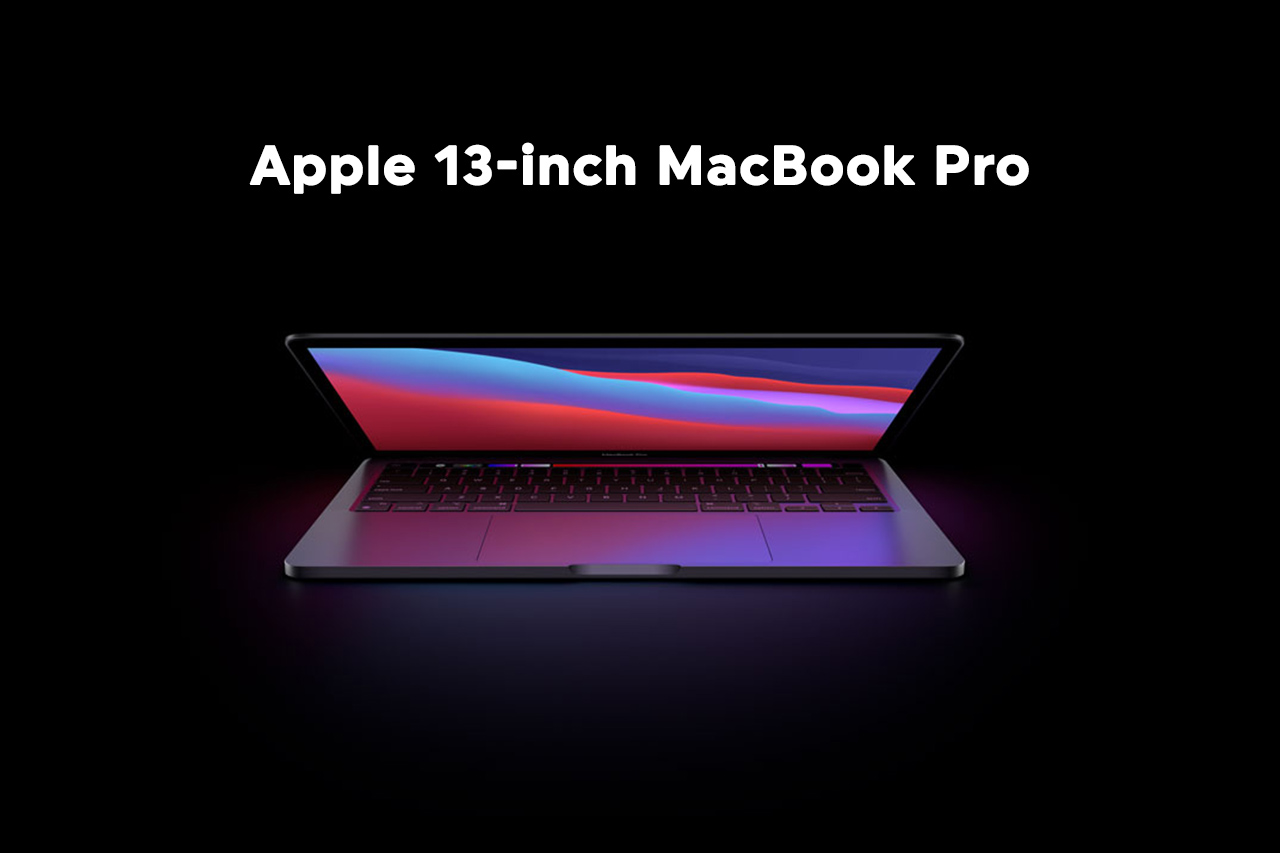
23
Sep
Sep
Apple 13-inch MacBook Pro at a Glance
Learn More →
23
Sep
Sep
Is Apple Smart Watch Series 7 Worth Purchase?
Learn More →
25
Jul
Jul
Reliable Repairs and High-Quality Refurbished MacBooks at MacBook Repair Bangalore
Learn More →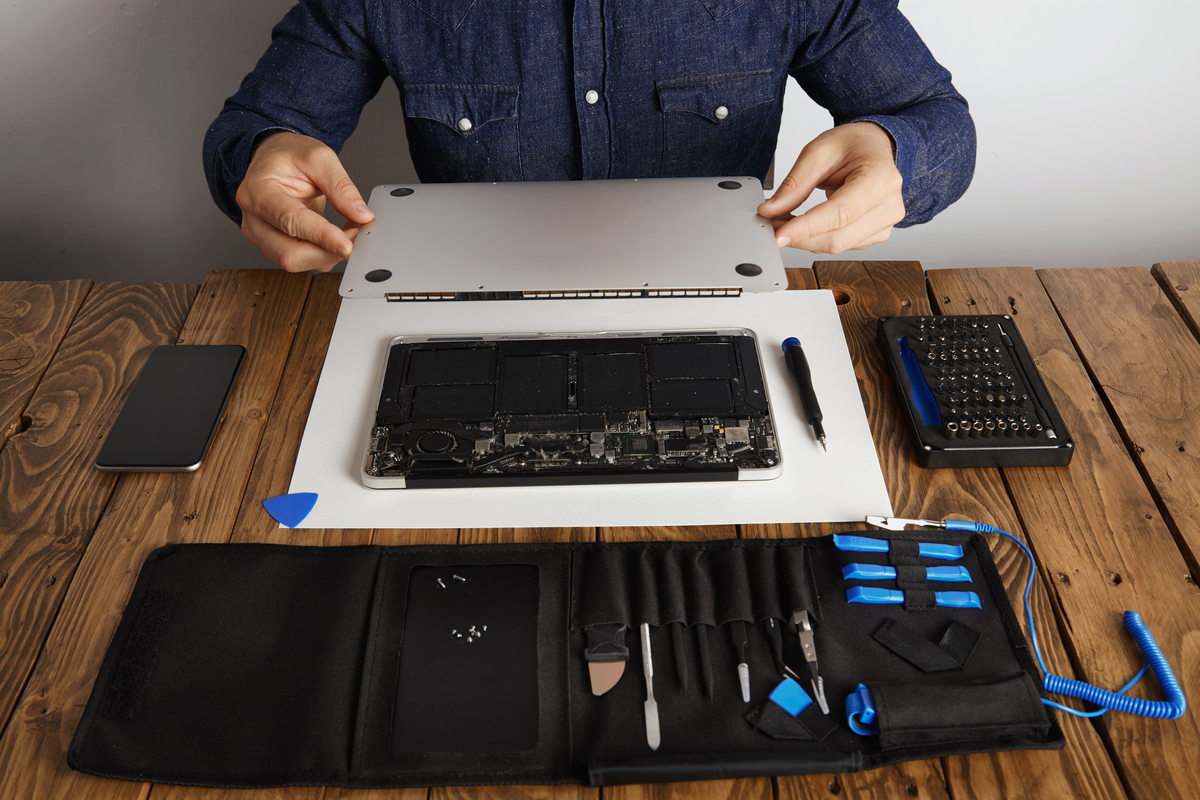
28
Jul
Jul
Fast & Reliable MacBook Repair in Bangalore—Trusted by Thousands
Learn More →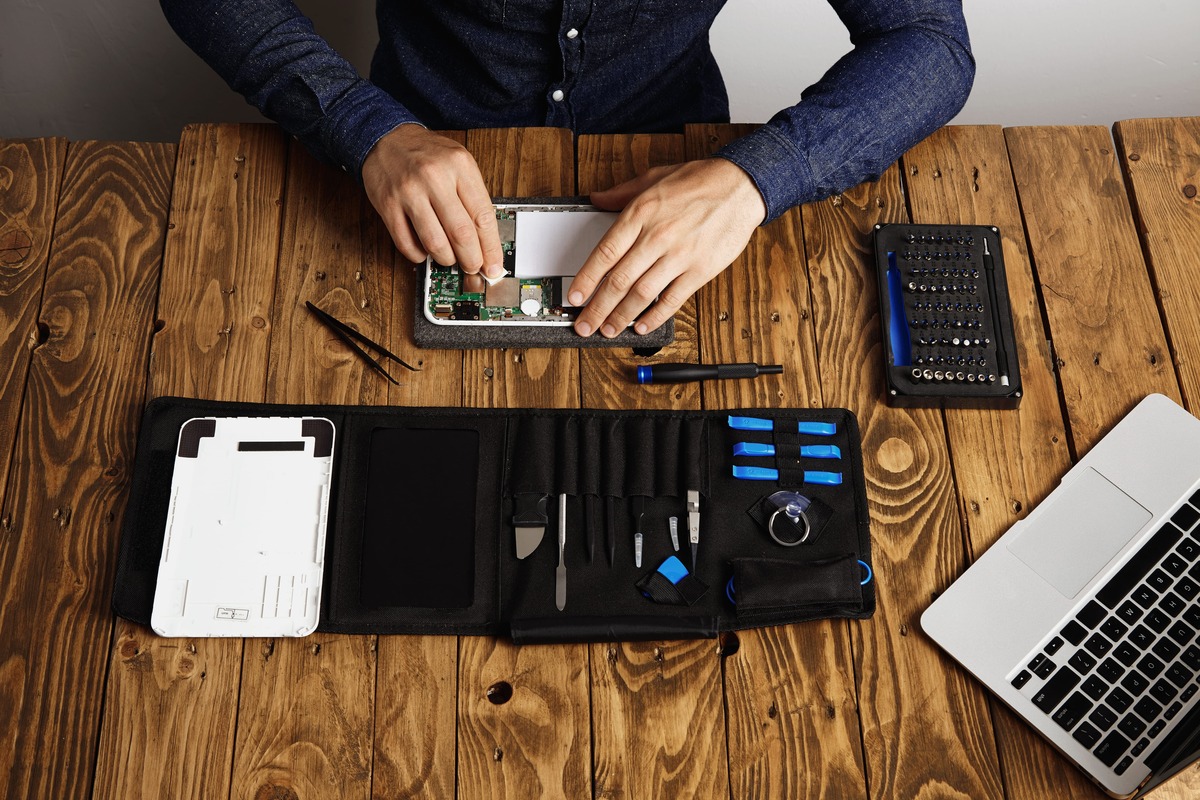
12
Aug
Aug
iPhone & MacBook Repair in Bangalore - Quick, Reliable & Low-Cost
Learn More →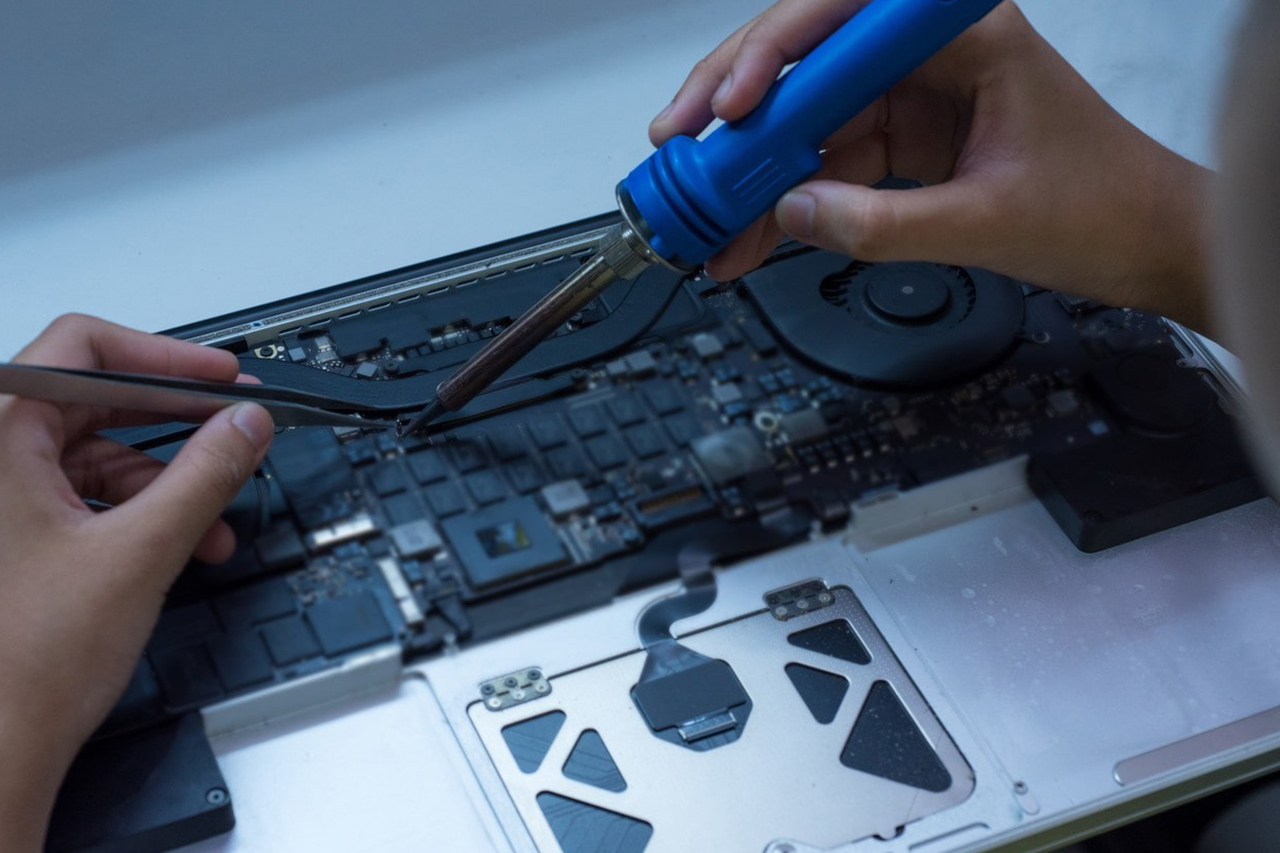
21
Aug
Aug
MacBook Repair in Bangalore – A Trusted Repair Service at iproductrepair.com
Learn More →
06
Sep
Sep
The Buzz on the New IPhone 17 Pro Max
Learn More →
11
Sep
Sep
Macbook laptop keyboard not working
Learn More →
11
Oct
Oct
iPhone Repair Bangalore: Hype or Healthier Choice?
Learn More →
21
Oct
Oct