
Hebbal
MacBook Repair Center in Hebbal, Bangalore
Repairing a MacBook is no doubt a very skilled task that requires certain tools to be available, and the selection depends on the nature of the issue too. Nevertheless, to get started, you may require some of the fundamental tools listed below:
- Adhesive Cleanup Kit – To safely remove and replace adhesives when opening your Mac
- Tweezers – To handle small and delicate components
- Spudger – For prying components apart without damaging them
- Mako Driver Kit – Offers a variety of bits for different types of screws in your Mac
- Pro Tech Toolkit – A toolkit consisting of numerous precision tools and bits for multiple tasks
- Suction Handle – To help you safely lift and position delicate components while repairing
- Microfiber Cleaning Cloth – To keep your Mac’s surface clean and smudge-free
- T6 Torx Screwdriver – For screws specifically found in MacBooks
- Phillips #000 Screwdrivers – To easily open the Mac’s casing and access the internal components
With the above list of tools available, you’ll be ready to deal with a range of basic repair and maintenance tasks related to your MacBook. We’d still recommend you take caution and always seek professional assistance if you’re unsure about your skills.
Nearby localities
MacBook Hardware Repair – When to Rely on Professional Expertise
It’s a no-brainer that MacBook hardware is complex and repairing it can be a challenging endeavor as well. They’re mostly related to physical damage, but can also be caused due to other issues. If you encounter any of the below-mentioned issues, then it’s wise to work with a professional:
- Physical Damage – If your Mac has encountered physical damage, it can lead to various hardware problems, which is why it’s crucial to consult a professional.
- Water Damage – Exposure to moisture or accidental spills can seriously damage the internal components of your Mac, and the issue is particularly challenging too. So, it’s better to have these issues addressed by a professional only.
- Screen Breakage – While cracked screens are a common issue, replacing them still requires a lot of professional expertise.
- Complex Software-Related Issues – In some rare cases, some hardware issues can be rooted in complex software issues, which can only be diagnosed by a professional.
At our MacBook service and repair center in Hebbal, we’ve got a dedicated team of experts who have years of experience dealing with such challenges. If you encounter any such problems mentioned above, we recommend you get in touch with us.
MacBook Software Repair – Common Issues and Their Potential Solutions
Now let’s take a look at some common software issues related to Mac and how you can solve them:
1. Freezing and Slow Performance
Your device may suffer from sluggish performance due to several background processes, cluttered storage, or insufficient memory. To solve this, you can consider upgrading your RAM, closing unnecessary applications, or freeing up storage space.
2. Wi-Fi Connectivity Issues
Issues with Wi-Fi can disrupt your online experience, which usually occurs due to software glitches. You can try troubleshooting the network settings to see if that solves the problem for you or not.
3. Application Crashes
Sometimes, many applications on your Mac can crash unexpectedly due to outdated apps, software conflicts, or corrupted installation files. You may try reinstalling the problematic software or updating the apps to solve the problem.
4. Battery Draining Quickly
Issues like outdated software or a faulty battery may cause your MacBook’s battery to drain faster than usual. To fix this, you can optimize the energy settings of your Mac, or even replace it if required.
Using the aforementioned troubleshooting tips, you should be able to address the common software challenges on your MacBook with ease. This will make sure that you experience a smoother and more enjoyable experience.
MacBook Maintenance Tips to Follow
To ensure the longevity of your MacBook, you need to maintain it regularly using the valuable maintenance tips provided below:
- Declutter Your Desktop – Organize your files, folders, and icons available on your Desktop to enjoy a smoother experience.
- Clean Keyboard and Screen – Make sure you regularly remove the dust from the keyboard and the screen for more usability and aesthetics.
- Manage Startup Apps – You can also remove unnecessary login items to boost your overall boot time and overall performance.
- Monitor Battery Health – You can use battery health management to have an idea about the status of your battery and get a replacement when required.
- Update and Clean Software – Always keep the applications as well as the macOS up to date and uninstall the unused applications to free up resources.
By implementing these maintenance tips in your daily life, you can easily ensure that your Mac serves you for a long time to come, and continues to provide you with exceptional performance as you expect from it.
Choosing The Right MacBook Repair Service
When looking for suitable MacBook service and repair centers in Hebbal, make sure you keep the below-mentioned points in mind:
- Certifications and Qualifications – Please verify that the technicians at the service center have relevant qualifications, ensuring they have the required expertise to deal with your issue.
- Turnaround Time – Make sure you enquire about the estimated time for repairs, as a service center offering a quicker turnaround time may prove to be more convenient.
- Warranty and Guarantees – You should also check whether the service provider offers you a warranty or guarantees for their work or not.
Choosing the right service center based on the factors mentioned above will definitely help you get your MacBook repaired by professionals.
Repair Costs – DIY Vs. Professional MacBook Repair Services
The cost of getting a MacBook repaired may vary based on the nature of the problem. Usually, third-party options are considered more cost-effective and reliable. If you’re searching for reliable MacBook service and repair centers in Hebbal, you should definitely consider checking out our services for various budget-friendly options.
The Takeaway
Using the provided repair and maintenance tips shared in this blog post, you can greatly extend the lifespan of your MacBook. You should always take some time out to conduct regular maintenance tasks and stay attentive to any signs of problems. If you face a more complex issue, you can always reach out to a professional for help.
iProducts Blogs

25
Sep
Sep

25
Sep
Sep
How to fix a MacBook that won't turn on?
Learn More →
25
Sep
Sep
Get your iPhone Screen Repair in Bangalore
Learn More →
21
Oct
Oct
How To Install The Macos Big Sur On Your Mac?
Learn More →
21
Oct
Oct
How To Install The watchOS 7 Public Beta On Apple Watch?
Learn More →
23
Sep
Sep
Know the Difference – iPhone 13 v/s iPhone 13 Pro
Learn More →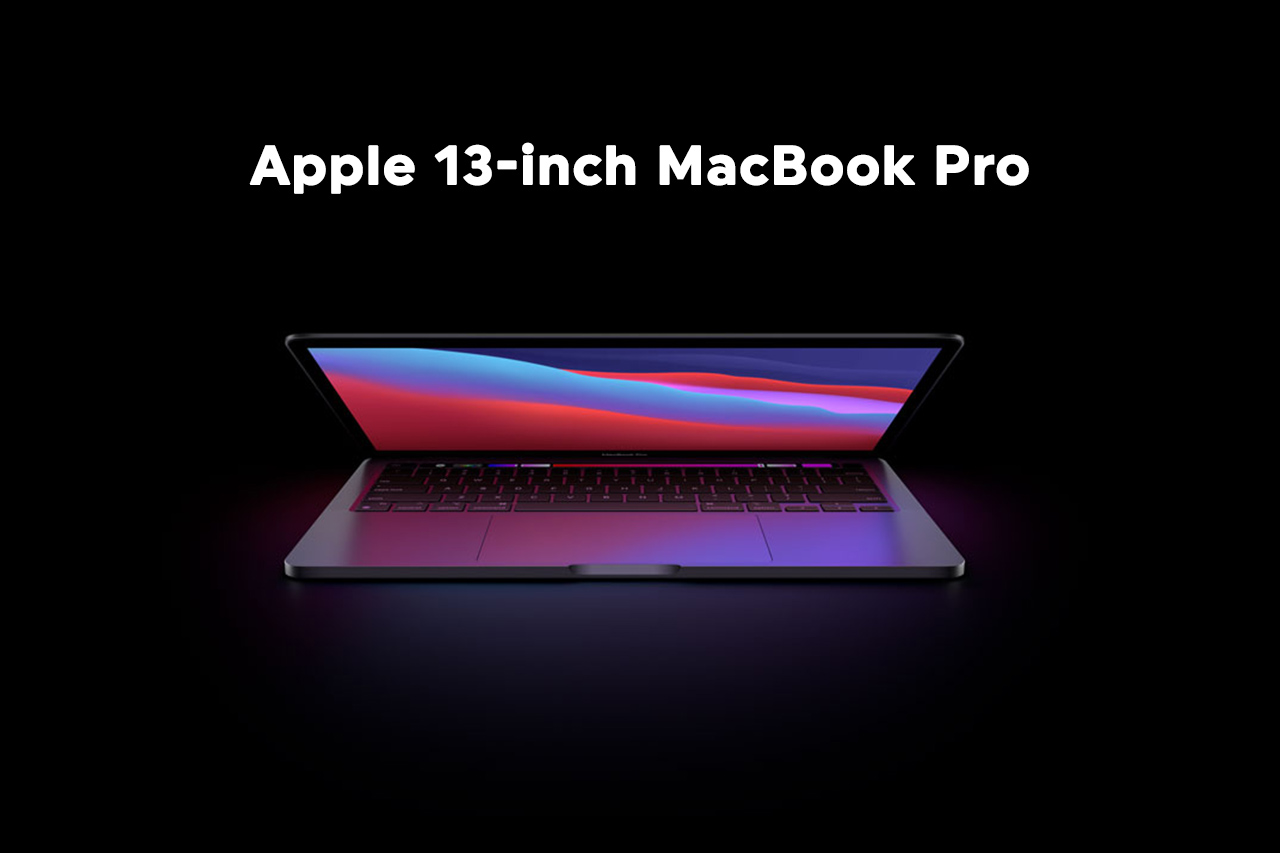
23
Sep
Sep
Apple 13-inch MacBook Pro at a Glance
Learn More →
23
Sep
Sep
Is Apple Smart Watch Series 7 Worth Purchase?
Learn More →
25
Jul
Jul
Reliable Repairs and High-Quality Refurbished MacBooks at MacBook Repair Bangalore
Learn More →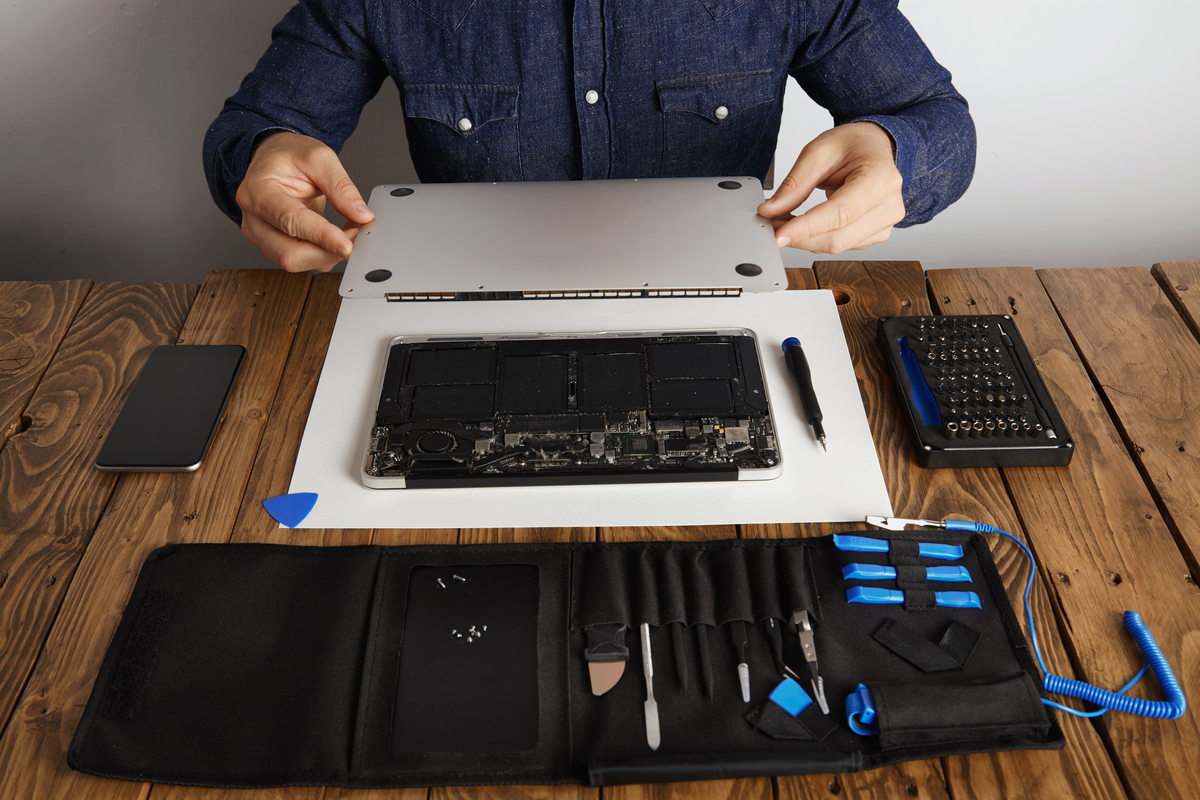
28
Jul
Jul
Fast & Reliable MacBook Repair in Bangalore—Trusted by Thousands
Learn More →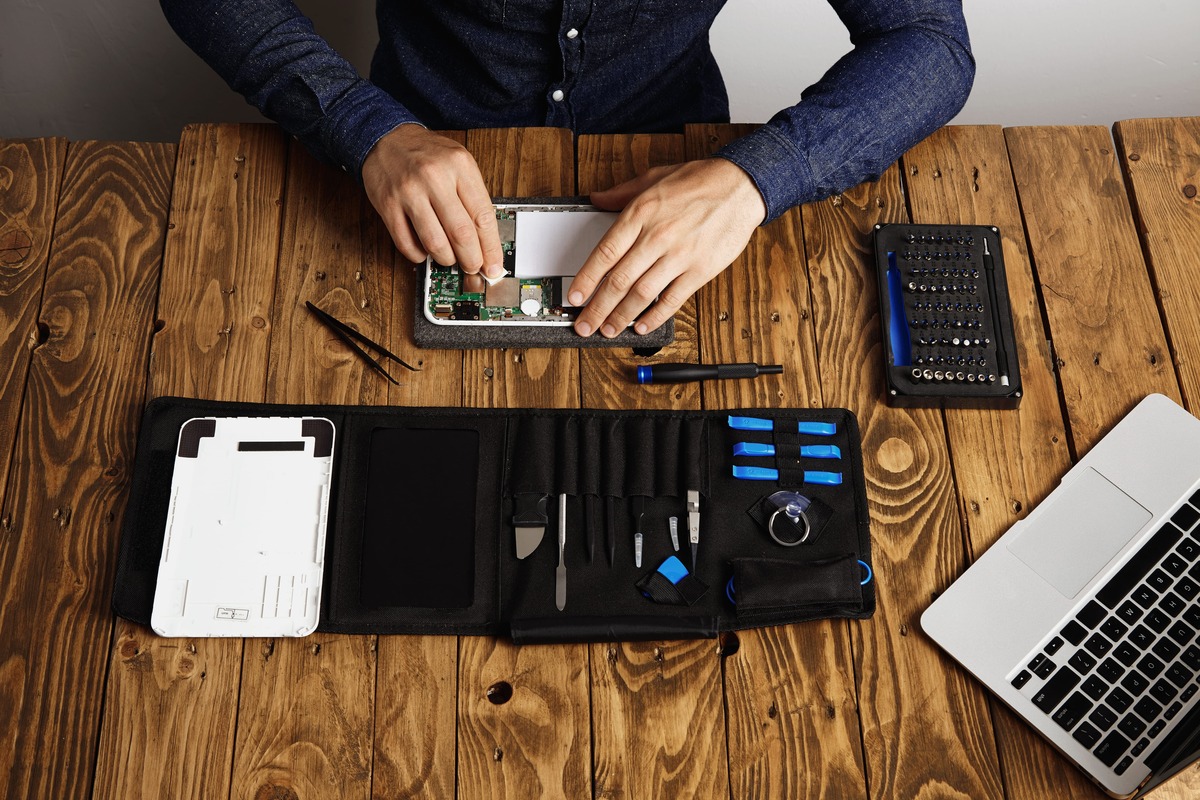
12
Aug
Aug
iPhone & MacBook Repair in Bangalore - Quick, Reliable & Low-Cost
Learn More →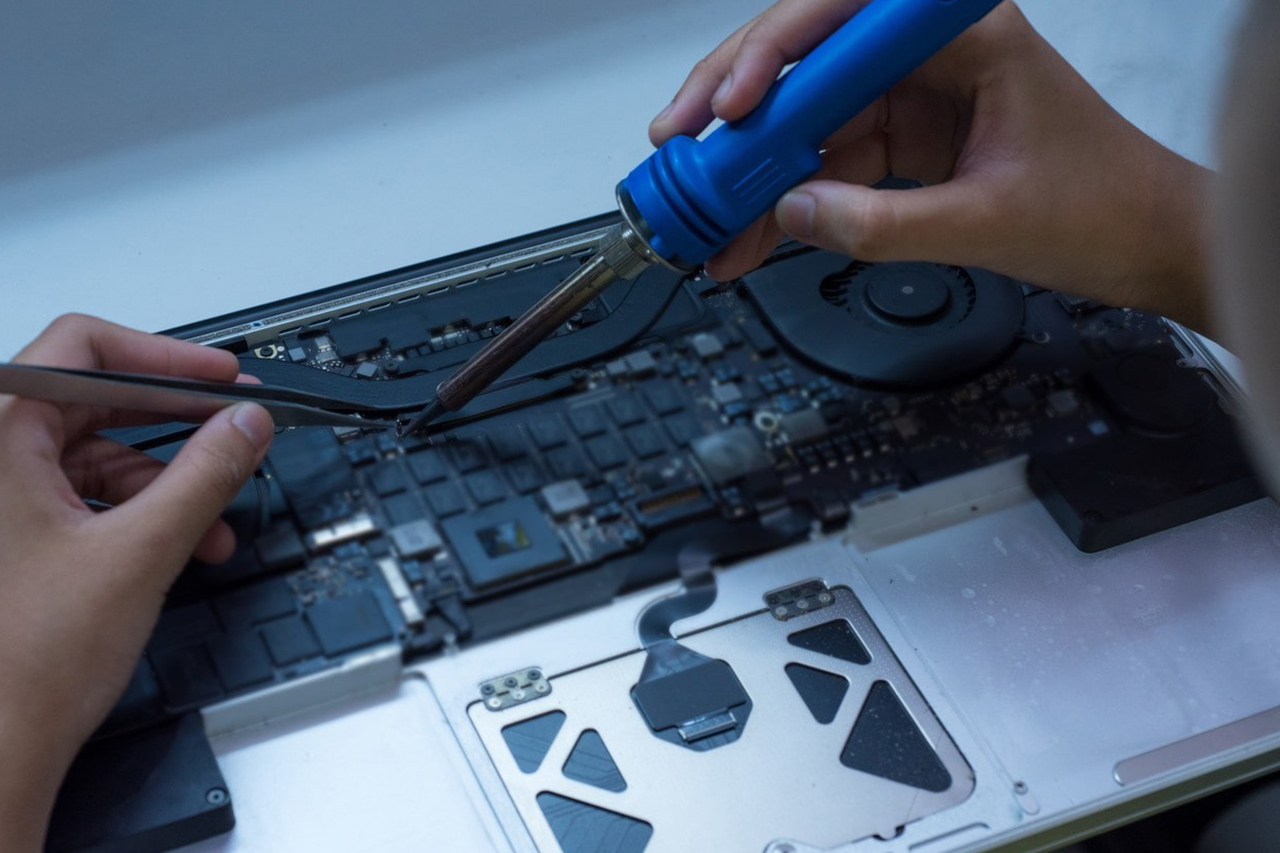
21
Aug
Aug
MacBook Repair in Bangalore – A Trusted Repair Service at iproductrepair.com
Learn More →
06
Sep
Sep
The Buzz on the New IPhone 17 Pro Max
Learn More →
11
Sep
Sep
Macbook laptop keyboard not working
Learn More →
11
Oct
Oct
iPhone Repair Bangalore: Hype or Healthier Choice?
Learn More →
21
Oct
Oct